

Introducing
Graphic designers need tools that work as hard as they do. In 2026, the standard for a great laptop has changed. You need a screen that shows colors correctly. You need a processor that can handle large files from the Adobe Creative Suite. Acannot have your computer lag when you are working for a client. Today, OLED screens and AI chips make these tasks easier than ever. This guide looks at the five best laptops for design work this year. Whether you want a light laptop for travel or a powerful machine for your desk, there is an option here for you.
Picking the Best Laptop for Your Design Work
When you buy a laptop for design, you must look at specific parts. The display is the most important piece. It needs to show a wide range of colors. You also need a fast processor like the Intel Core Ultra or the Apple M4 Pro. These chips help you run many apps at once. Memory is also vital. You should aim for at least 16GB or 24GB of RAM. This keeps your work moving fast without pauses.
Why Color Accuracy Matters
A design might look good on your screen but look bad when printed. This happens because of poor color accuracy. Professional laptops now use DCI-P3 color coverage. This is a standard used in the film and design industries. If a laptop has 100% DCI-P3 coverage, your colors will look rich and true to life. This helps you stay consistent across different types of media.
The Rise of OLED Technology
In 2026, OLED displays are everywhere. These screens do not use a single backlight. Instead, each pixel makes its own light. This creates perfect blacks and very high contrast. For a designer, this means you can see small details in shadows. It also makes your designs pop off the screen.
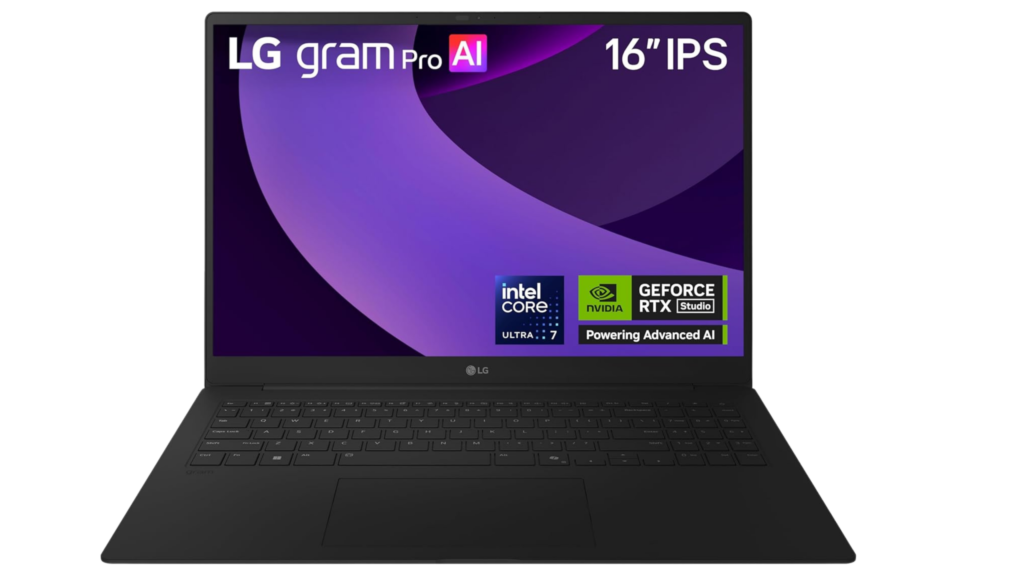
5. LG Gram Pro 16: The Lightest Choice for Pro Designers
The LG Gram Pro 16 is a marvel of modern engineering. Many large laptops are heavy and hard to carry. This laptop changes that. It features a 16-inch screen but only weighs 2.8 pounds. This makes it perfect for designers who work in coffee shops or travel to see clients.
Performance and Portability
Inside this thin laptop is an Intel Core Ultra processor. This chip handles Photoshop and Illustrator without any trouble. You can open large files and edit them quickly. The magnesium alloy body is strong. It can survive the bumps and drops of travel. You do not have to worry about it breaking in your bag.
Screen Quality and Battery Life
The 16-inch IPS display covers 99% of the DCI-P3 color space. This gives you plenty of room to work on detailed illustrations. You will not feel cramped. The battery lasts for over 12 hours. You can work through a full design session without looking for a power outlet. It also has Thunderbolt 4 ports. You can plug in a high-end monitor when you are at your desk.
| Feature | Specification |
|---|---|
| Weight | 2.8 lbs |
| Screen Size | 16-inch IPS |
| Processor | Intel Core Ultra |
| Color Accuracy | 99% DCI-P3 |
| Price Range | $1,200 to $1,600 |
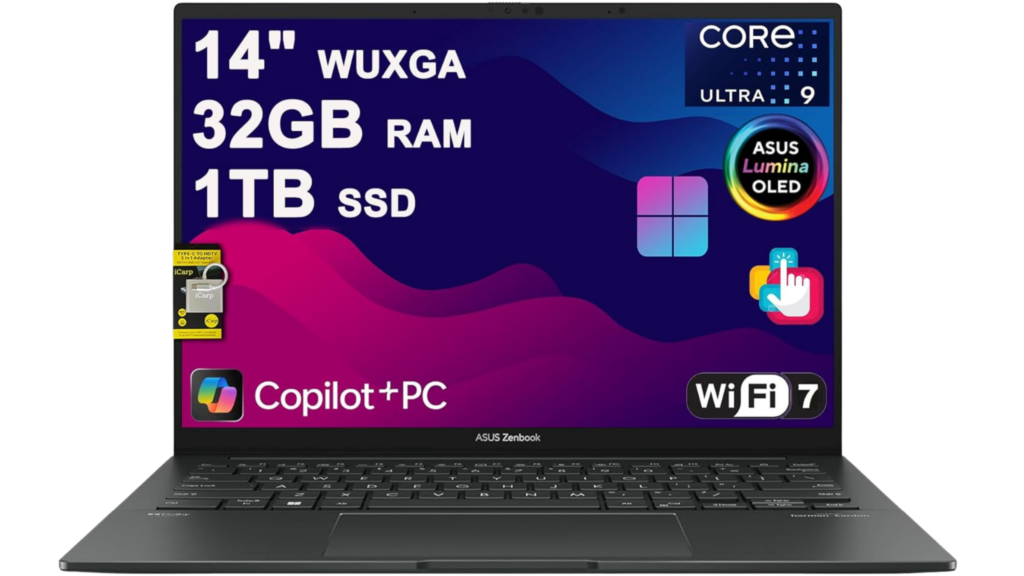
4. ASUS ZenBook 14: High-End Screens at a Great Price
The ASUS ZenBook 14 is the best choice if you want a great screen on a budget. ASUS put a high-quality OLED screen in a laptop that costs less than most pro models. It is a compact 14-inch machine that is easy to carry.
The Power of Lumina OLED
The screen on this laptop has a resolution of 2880 by 1800. It covers 100% of the DCI-P3 color space. This is very important for brand design and photography. The Lumina OLED certification means the colors stay accurate for a long time. You get deep blacks and bright colors that help you see your work clearly.
Smooth Adobe Software Performance
The ZenBook 14 uses Intel Core Ultra chips. These help Adobe apps run well. You can open large PSD files in Photoshop in just seconds. In Illustrator, you can work on complex vector art without the screen stuttering. It also has a touchscreen. This allows you to use a stylus for drawing or making quick selections.
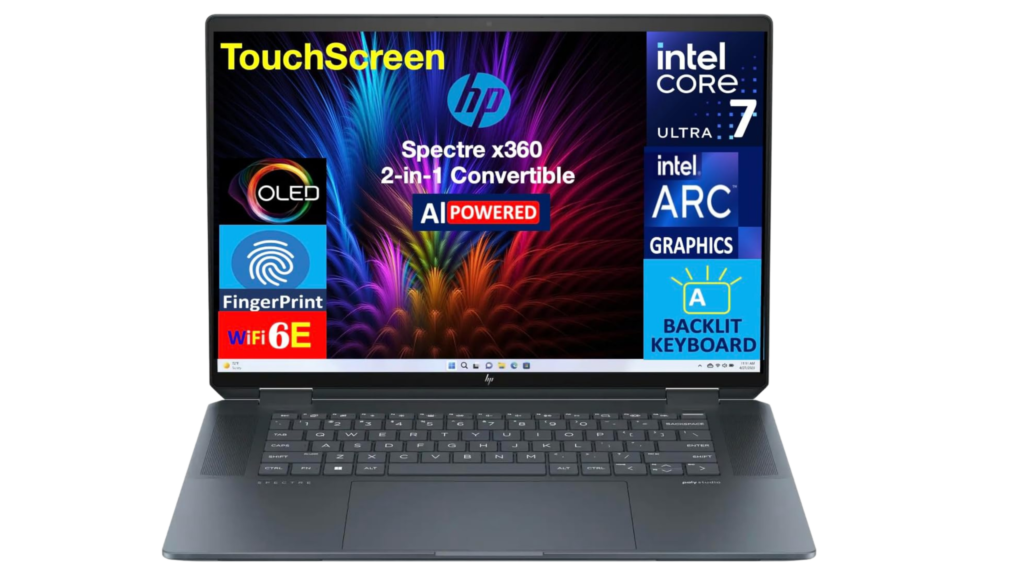
3. HP Spectre x360: The Most Versatile Tool
The HP Spectre x360 is a 2-in-1 laptop. This means the screen flips around so you can use it like a tablet. This is a huge benefit for artists and logo designers. You can sketch directly on the screen with a stylus.
Designed for Illustration
The HP MPP stylus supports 4,096 levels of pressure. This makes drawing feel natural, like using a real pen on paper. You can switch from typing an email to sketching a new concept in seconds. When you meet with clients, you can put the laptop in “presentation mode.” This makes it easy to show off your portfolio without the keyboard getting in the way.
AI Features and Style
This laptop uses Intel Core Ultra AI processors. These chips have a special part called an MPU. This part makes AI tools in Photoshop work faster. For example, the Generative Fill tool and background removal work much better on this machine. The “Gem Cut” aluminum design also looks very professional. It is a beautiful tool that makes a great impression in meetings.
| Pros | Cons |
|---|---|
| Flipping 2-in-1 screen | Slightly more expensive than standard laptops |
| Great for drawing with a stylus | Can be heavier than the LG Gram |
| Fast AI processing for Adobe | A glass screen can show reflections |
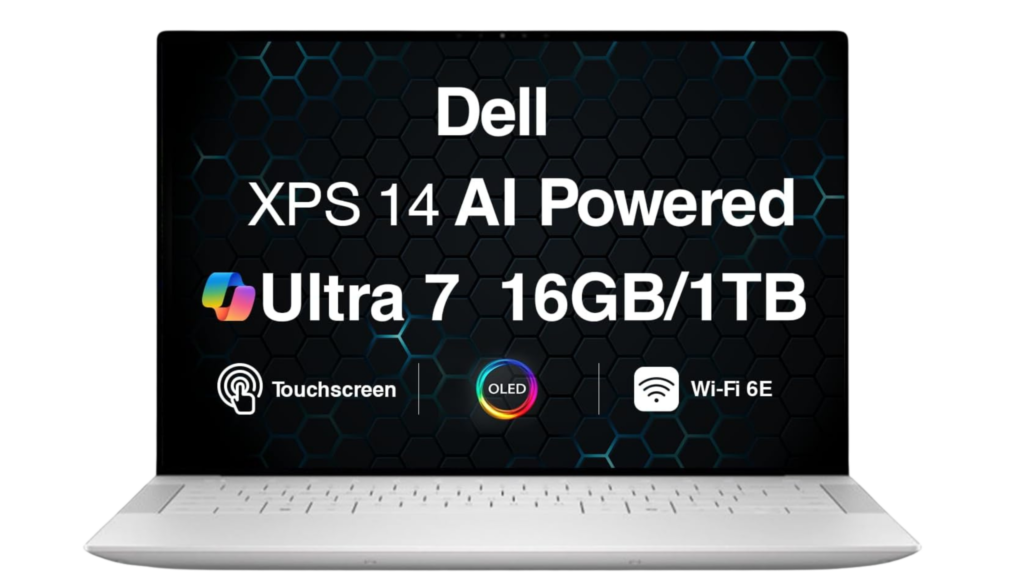
2. Dell XPS 14: Precision for Serious Professionals
The Dell XPS 14 is a very refined machine. Dell is known for building high-quality laptops that last. This model is perfect for designers who want a mix of power and style. It uses a 14.5-inch display that gives you a bit more room than a standard 14-inch screen.
Better Screen Shape for Layouts
The XPS 14 has a 16:10 aspect ratio. This means the screen is taller than a normal laptop screen. This extra space is great for viewing long web pages or tall posters. You can see more of your work without scrolling up and down. The OLED panel has a 3.2K resolution. This makes every detail look sharp.
High-Speed Workflows
This laptop uses AI to speed up your work. It makes Photoshop’s Content-Aware tools and Illustrator’s Auto Trace run faster. The haptic touchpad is very large. It provides a smooth surface for precise mouse movement. It also has Thunderbolt 4 ports. These let you connect fast external hard drives for your large asset libraries.
1. Apple MacBook Pro M4 Pro: The Gold Standard
The Apple MacBook Pro M4 Pro is the best laptop for graphic design in 2026. Most professional designers use Macs for a reason. The hardware and software work together perfectly. This laptop is built specifically for creative work.
The Power of the M4 Pro Chip
The M4 Pro chip is incredibly fast. It can zip through heavy tasks in Photoshop and Illustrator. You do not have to wait for the computer to think. It comes with 24GB of unified memory. This memory is shared between the processor and the graphics card. This makes the laptop handle high-resolution files better than almost any other computer.
The Best Display in the Business
The Liquid Retina XDR display is world-class. It provides reference-grade color accuracy. This means the colors you see on the screen are exactly what they should be. If you work in professional print or video design, this is vital. It is bright enough for outdoor use but precise enough for the most detailed retouching work.
Final Thoughts on Design Laptops
Choosing a laptop is a big decision for your career. You need to think about how you work every day. If you travel a lot, the LG Gram Pro 16 is the best choice because it is so light. If you are just starting and want a great screen, look at the ASUS ZenBook 14. It offers pro colors for a lower price.
For those who love to draw, the HP Spectre x360 provides the best experience with its stylus and tablet mode. The Dell XPS 14 is a great choice for people who want a tall screen and a very sturdy build. However, if you want the absolute best performance and color, the Apple MacBook Pro M4 Pro is the winner. It is the gold standard for the industry.
No matter which one you pick, make sure it has the power to grow with you. Graphic design software gets more demanding every year. Buying a powerful laptop today will save you time and frustration tomorrow. Pick the tool that helps you stay creative and productive.
Conclusion: Which Laptop is Best for Graphic Design in 2026?
Choosing the best laptop for graphic design in 2026 depends on your workflow, budget, and creative needs. With advancements like OLED displays, AI-powered processors, and improved color accuracy, modern laptops are more capable than ever.
If portability is your top priority, the LG Gram Pro 16 is an excellent choice for designers on the move. For those looking for high-end display quality at a reasonable price, the ASUS ZenBook 14 delivers outstanding value.
Creative professionals who rely on drawing and flexibility will benefit most from the HP Spectre x360, while the Dell XPS 14 is ideal for precision-based workflows and productivity.
However, if you want the ultimate performance, industry-leading color accuracy, and long-term reliability, the Apple MacBook Pro M4 Pro stands out as the top choice.
👉 Final Tip: Invest in a laptop that not only meets your current needs but can also handle future design demands. A powerful, color-accurate machine will boost your creativity, improve efficiency, and support your growth as a designer.