Introduction
Finding the right keyboard for coding can make your work much better. Whether you have $30 or $200, there is a mechanical keyboard that fits your needs. Some programmers want wireless freedom, while others want a heavy board that stays in one place. This guide looks at the top picks for different price points to help you choose your next daily driver.
Best Keyboards Under $30
Even with a small budget, you can get a great typing experience. These boards offer features usually found on expensive models.
1 Aola F99
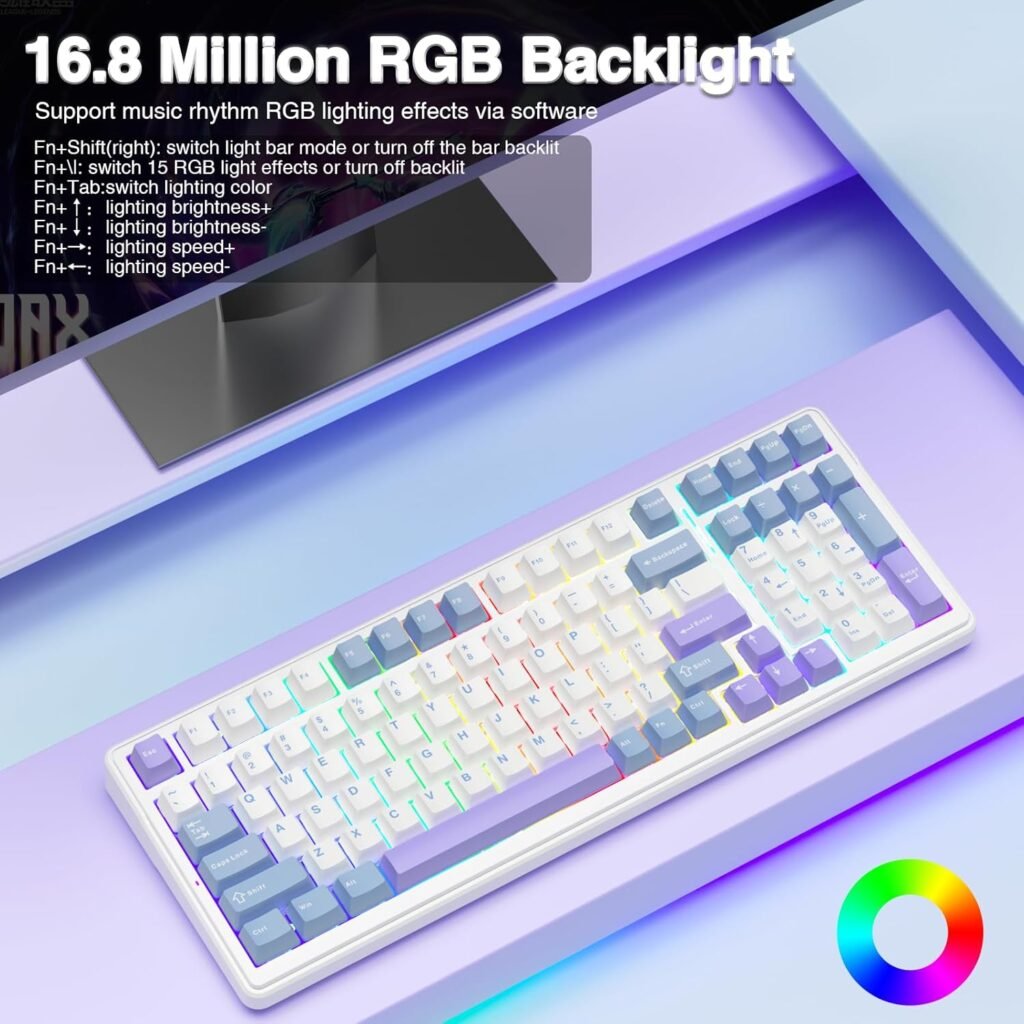
The Aola f99 is a surprising choice for the price. It uses a 2.4 GHz dongle for your PC and Bluetooth for tablets. This lets you switch between devices quickly while you work.
- Pros: Smooth, quiet typing, rotary volume knob, and hot-swappable switches.
- Cons: The space bar is louder than the other keys.
The rotary knob feels premium and is easier to use than standard function keys. Because it is hot-swappable, you can change the switches later if you want a different feel.
2 Red Dragon
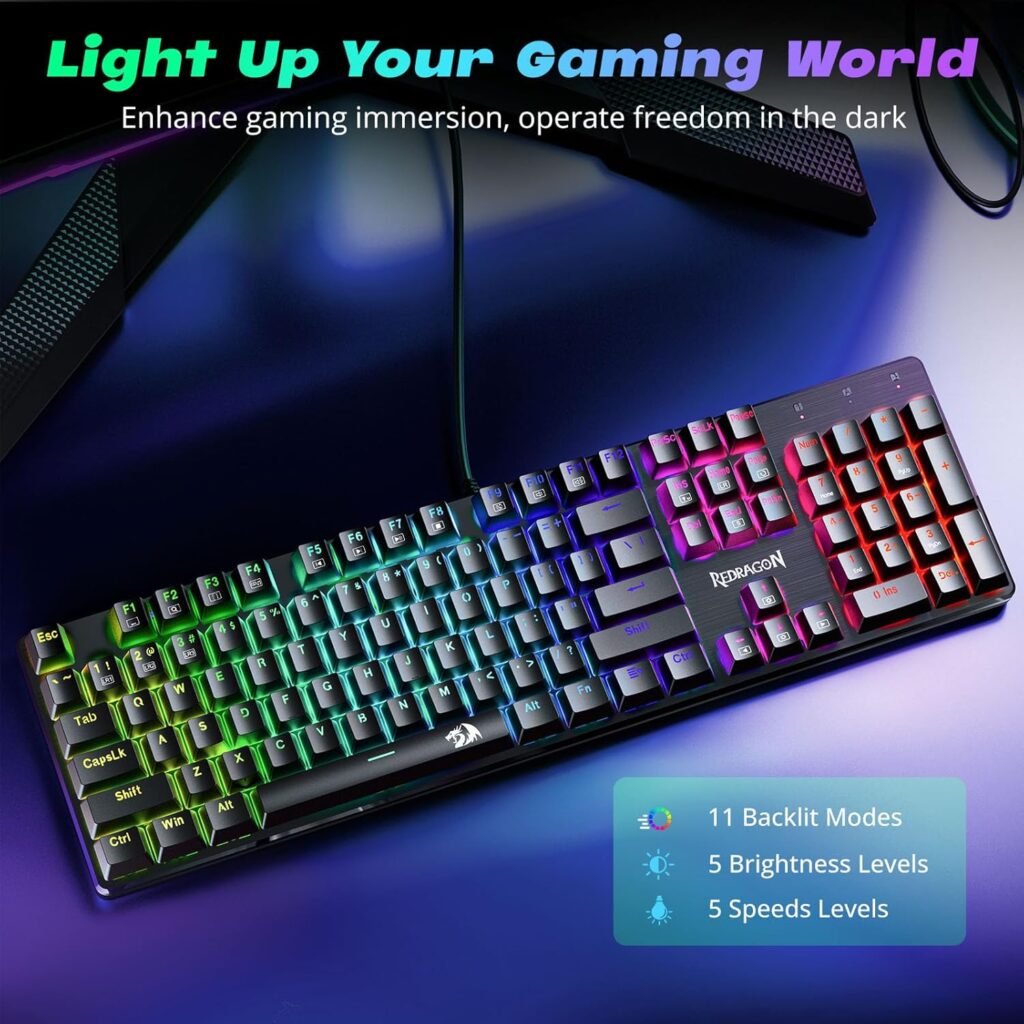
If you like a fast feel, the Red Dragon is a strong option. It uses linear red switches that are very light. This helps you type quickly with fewer mistakes.
- Pros: Effortless typing, full anti-ghosting, and very reliable.
- Cons: It is a wired-only board, and the lights are a bit dim.
This is a workhorse keyboard. You never have to worry about batteries dying during a long coding session. It is great for programmers who want speed over wireless features.
Quick Comparison: Under $30
| Feature | Aola S99 | Red Dragon |
|---|---|---|
| Connection | Wireless & Bluetooth | Wired Only |
| Switches | Hot-swappable | Linear Red |
| Best For | Multi-device users | Fast, reliable typing |
Top Pick: The Aola F99 wins here because of the volume knob and wireless options.
Top Picks for a $50 Budget
At $50, you start to see better build quality and more compact designs.
1 Royal Clutch RK61
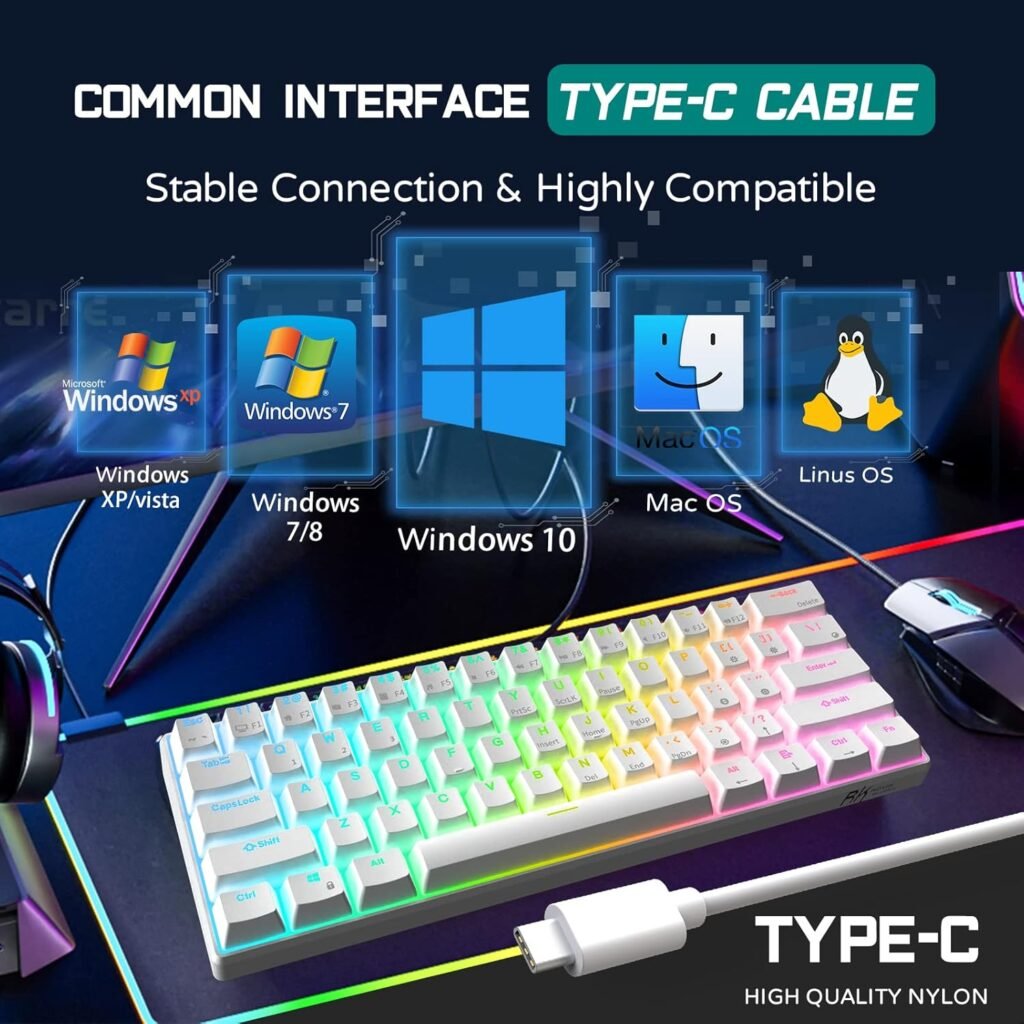
The Royal Clutch RK61 is a famous 60% layout keyboard. It is very small and saves a lot of desk space. You can connect it to your PC, laptop, or tablet using Bluetooth.
- Pros: Very portable and great for multi-device setups.
- Cons: Keys feel a bit wobbly, and you must use the Function key for arrows.
It uses a high-profile plastic frame. It feels solid, but you might want a wrist rest to stay comfortable.
2 Keychron C1
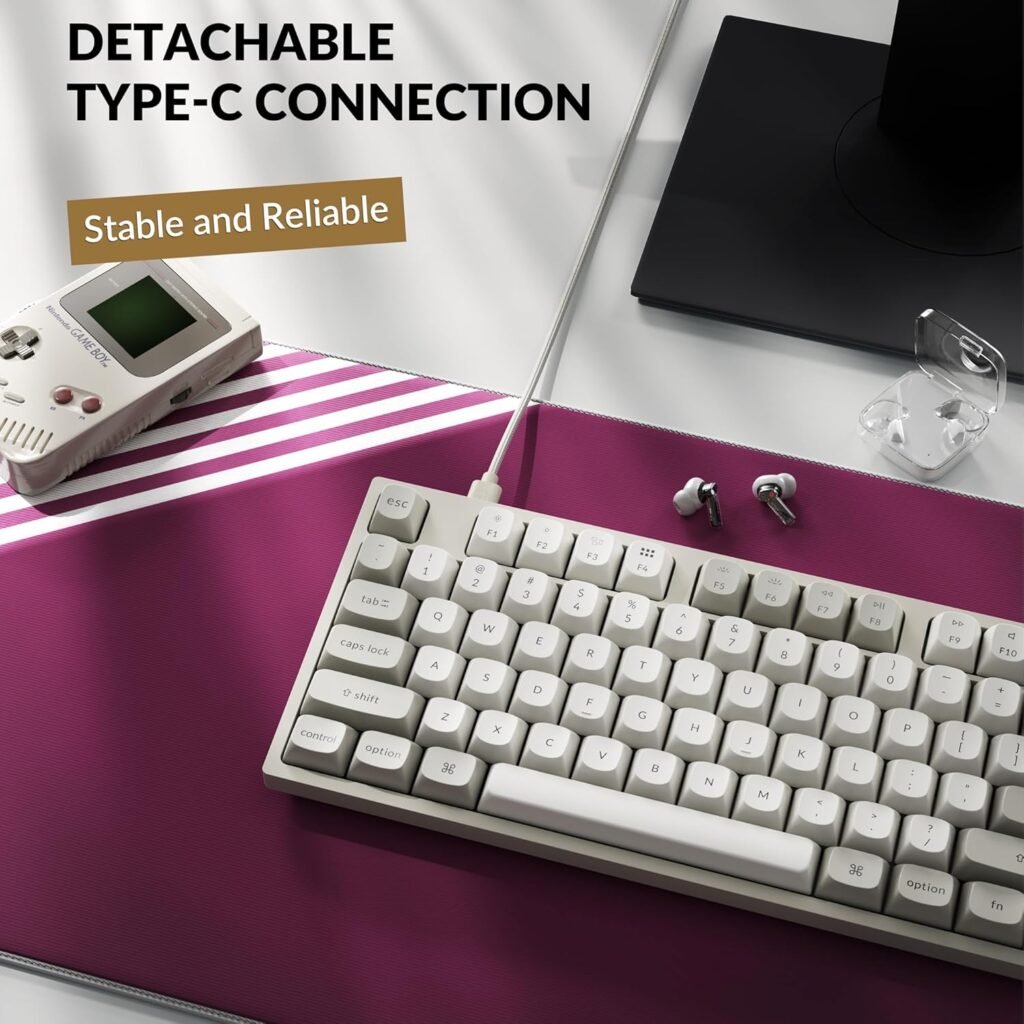
The Keychron C1 is a perfect starter board for new programmers. It has a Tenkeyless (TKL) layout. This means you keep your arrow keys and function row, which are vital for coding.
- Pros: Solid frame with no flex, stable keys, and Gateron Brown switches.
- Cons: Wired only and lacks a wrist rest.
The Gateron Brown switches provide a tactile bump that feels good for hours. If you work at one desk all day, this is a better tool than the RK61.
Top Pick: The Keychron C1 is the winner for its better typing feel and dedicated arrow keys.
Great Keyboards for Under $100
Spending $100 gets you into premium materials and better sound-dampening.
1 Aula F75
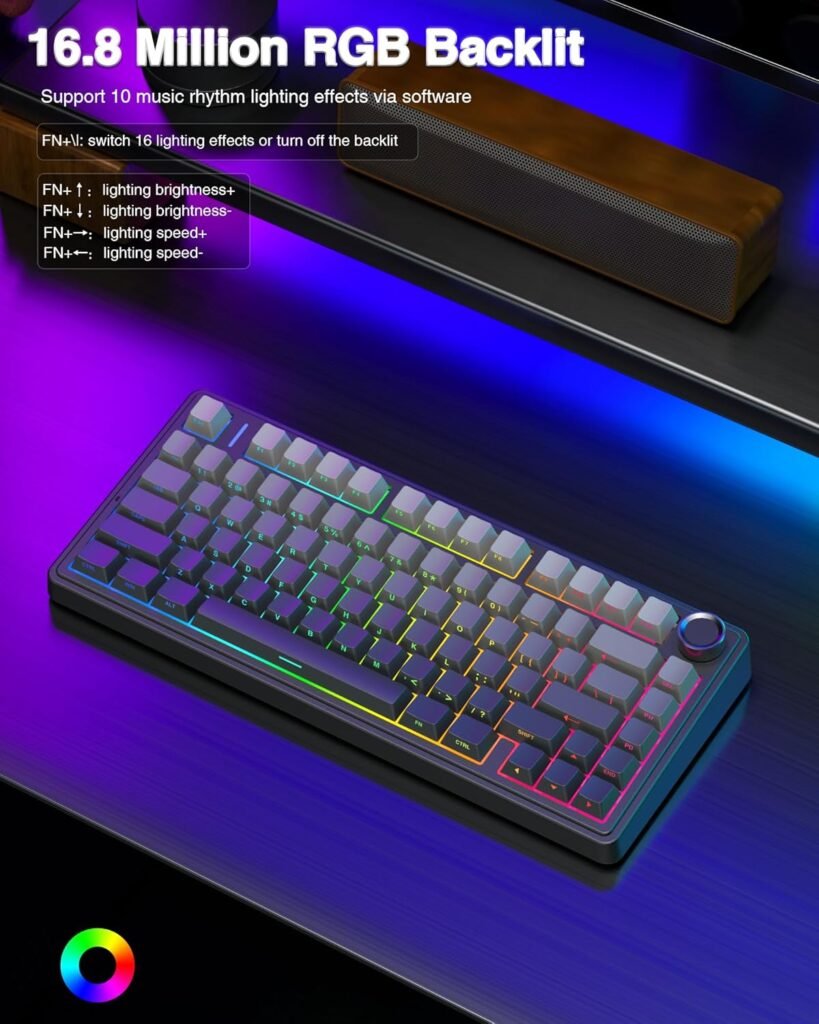
The Aula F75 uses a gasket mount design. This makes the keyboard feel bouncy and soft rather than stiff. It has five layers of sound-dampening to make typing sound better.
- Pros: High-quality PBT keycaps and very comfortable for long days.
- Cons: No shine-through letters on keys and clunky software.
If you code in a bright room, the PBT keycaps feel great. However, you cannot see the letters well in the dark.
2 Keychron K8 Pro
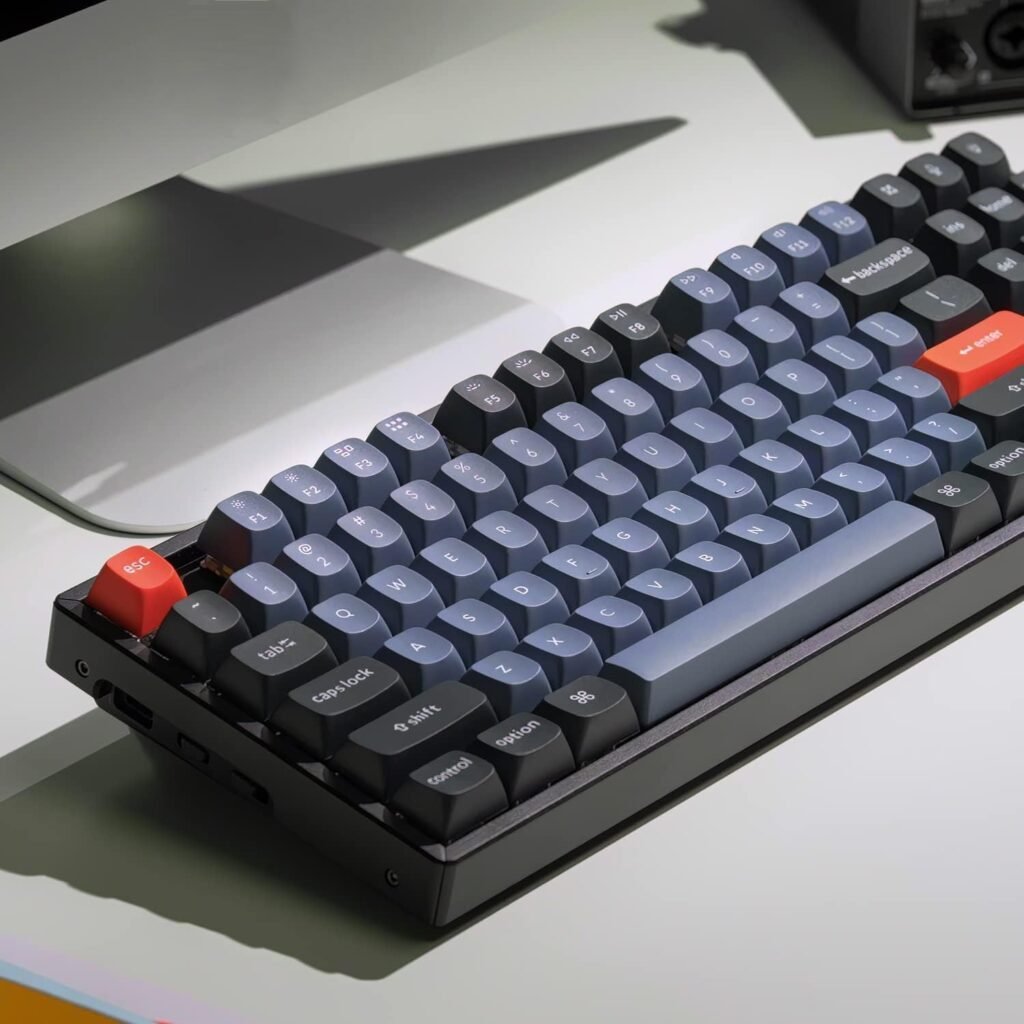
The Keychron K8 Pro is built like a tank. It has an aluminum frame that makes it heavy and stable. It also works perfectly with Mac computers, which is great for many developers.
- Pros: QMK/VIA support for remapping keys and hot-swappable PCB.
- Cons: High profile may cause wrist strain without a rest.
The QMK/VIA support is a big deal. It lets you create macros and change what every key does easily. This is very helpful when switching between Mac and Windows.
Top Pick: The Keychron K8 Pro is the best choice here. The build quality and Mac support make it a safer long-term investment.
Professional Options for $150
In this price range, you find thin, low-profile boards that look great in a modern office.
1 Logitech MX Keys S
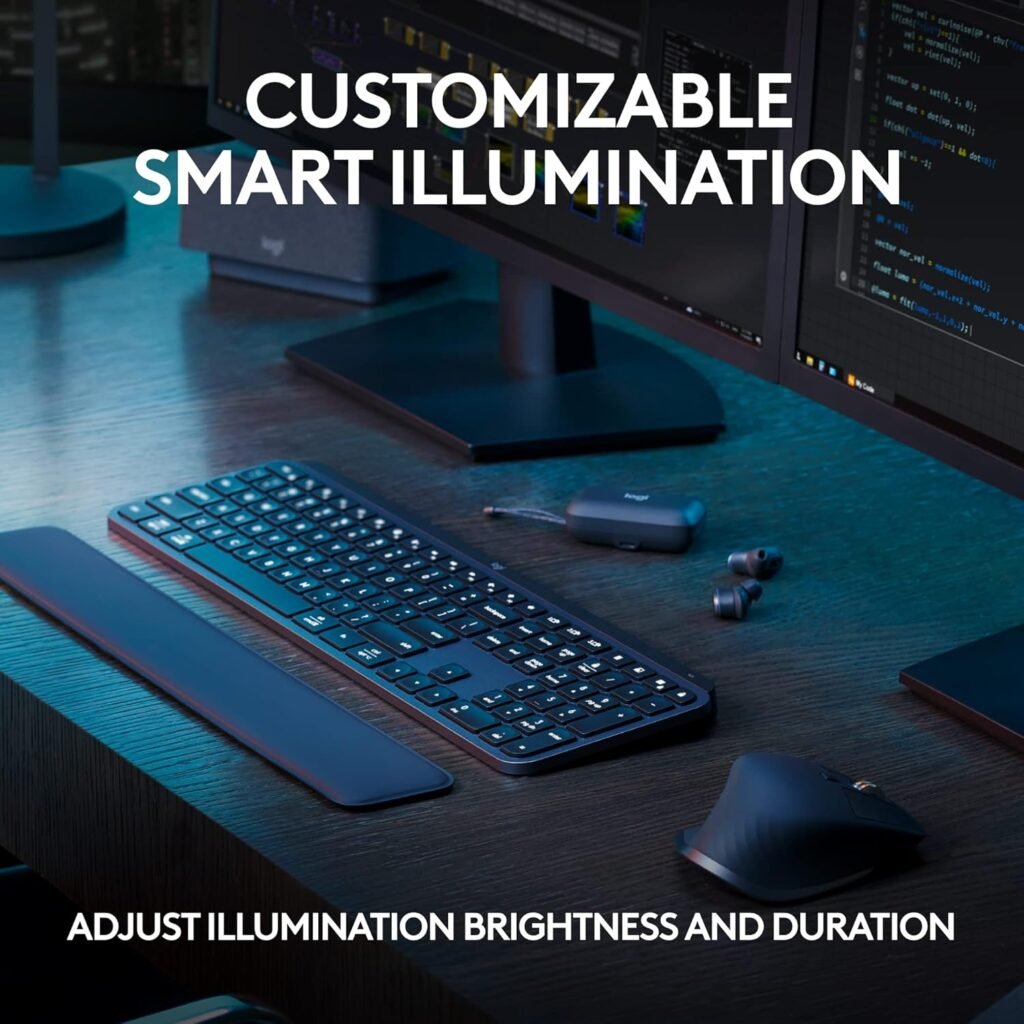
The Logitech MX Keys S feels like a high-end laptop keyboard. It uses scissor switches that are nearly silent. This is perfect if you work in a shared office or a quiet home.
- Pros: Very comfortable, multi-week battery life, and silent.
- Cons: Not mechanical and too heavy to carry in a backpack.
It is almost mistake-proof because of the key shape. If you want comfort without the “click” of a mechanical board, this is it.
2 Logitech MX Mechanical Wireless

The Logitech MX Mechanical gives you the best of both worlds. It is a slim, low-profile board but uses real mechanical switches. It is crisp and snappy without being too loud.
- Pros: Flawless device switching and great backlighting.
- Cons: No true wired mode and no included wrist rest.
The low-profile switches reduce finger fatigue. It feels more responsive than the MX Keys S and makes typing code more fun.
Top Pick: The Logitech MX Mechanical Wireless wins because it feels more responsive for long coding marathons.
High-End Keyboards for $200
If you want the best of the best, these boards offer heavy metal frames and advanced tech.
1 Keychron Q6 Max
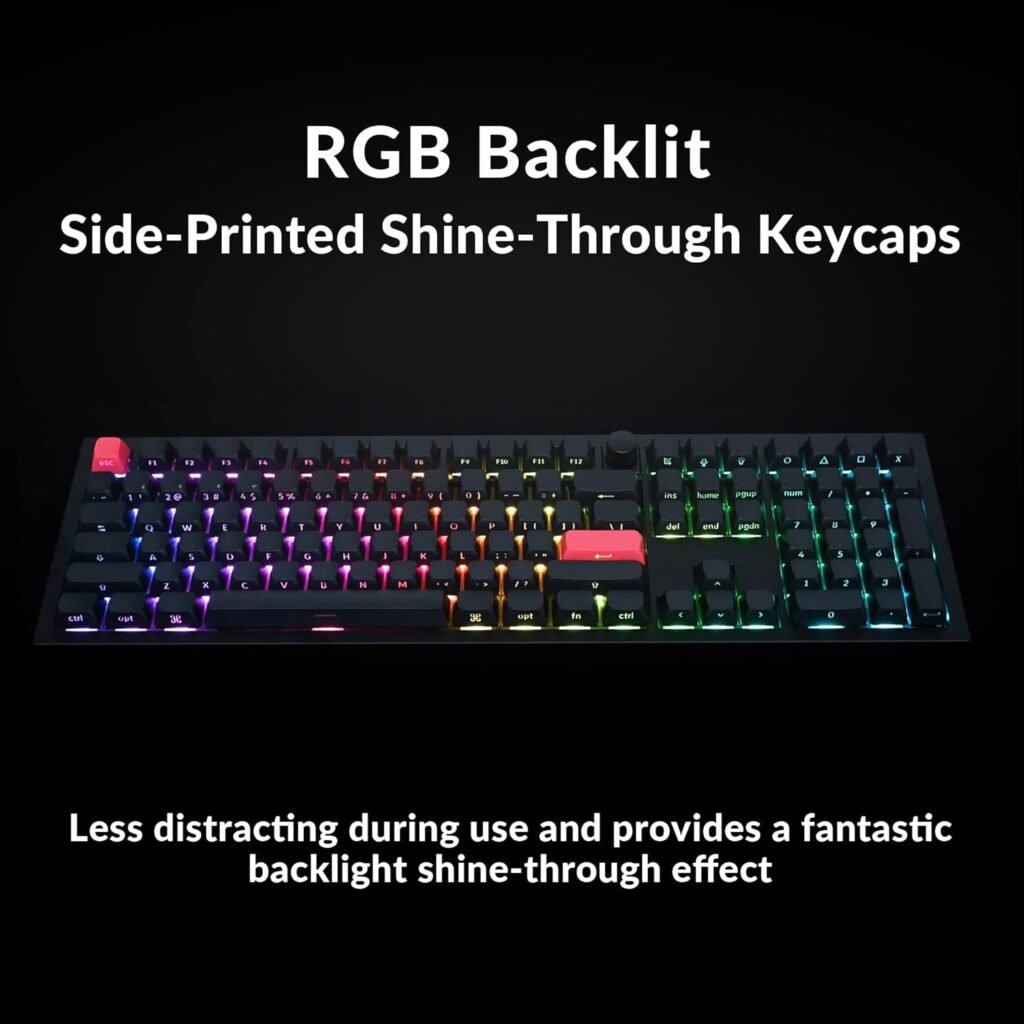
The Keychron Q6 Max is a massive, heavy keyboard. It does not move on your desk. It uses Gateron Jupiter Red switches that feel very smooth.
- Pros: Endlessly customizable, heavy-duty build, and stable feel.
- Cons: Very large, and some keys can sound a bit hollow.
You can use a web browser to change any key on the board. It is built for programmers who want a tool that lasts for years.
2 NuPhy Field75 HE
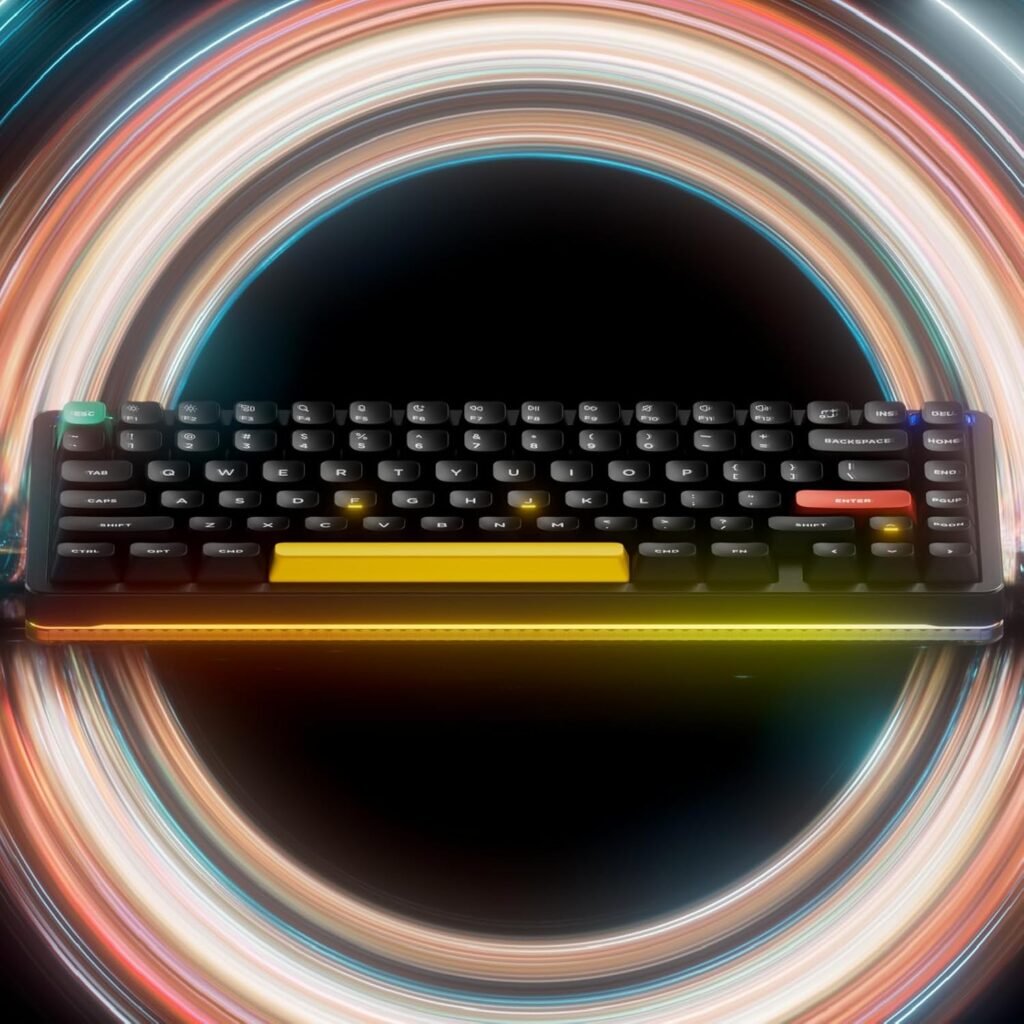
The NuPhy Field75 HE uses “Hall Effect” switches. These use magnets to measure key presses. This makes the board incredibly fast and lets you change how deeply you have to press a key to make it work.
- Pros: Ultra-low latency and very fast response times.
- Cons: Wired only, and the typing feel is quite stiff.
This is for the developer who also loves gaming. The magnetic switches are the newest tech in the keyboard world.
Final Thoughts on High-End Boards
| Feature | Keychron Q6 Max | NuPhy Field75 HE |
|---|---|---|
| Switch Type | Traditional Mechanical | Magnetic (Hall Effect) |
| Connection | Wireless/Wired | Wired Only |
| Key Benefit | Total Customization | Speed and Latency |
Top Pick: The Keychron Q6 Max is the overall winner for $200. Its comfort and build quality are hard to beat for daily work.
Conclusion
Choosing the right keyboard depends on your budget and how you work. If you are just starting, a wired board like the Keychron C1 offers amazing value. If you want the most comfort for long hours of coding, the Logitech MX Mechanical is a great choice. For those who want a permanent, heavy-duty setup, the Keychron Q6 Max is the ultimate tool.
Think about whether you need to switch between multiple computers or if you prefer a wired connection for reliability. No matter which one you choose, upgrading from a basic office keyboard will make your coding experience much more enjoyable. Pick the one that fits your desk and start typing!