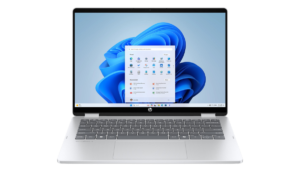
The Perfect Balance of Performance, Portability, and Price
Finding the best lightweight laptop for coding under $1000 in 2026 can feel overwhelming. Developers need a machine that is powerful enough to handle coding tasks, lightweight enough for portability, and affordable enough to fit within a reasonable budget.
Whether you’re a software developer, computer science student, web developer, or freelancer, a lightweight laptop can make your work more comfortable, especially if you’re constantly moving between home, office, classrooms, or coffee shops.
In this guide, we’ll explore the best lightweight coding laptops under $1000 in 2026 and explain what features matter most when choosing a programming laptop.
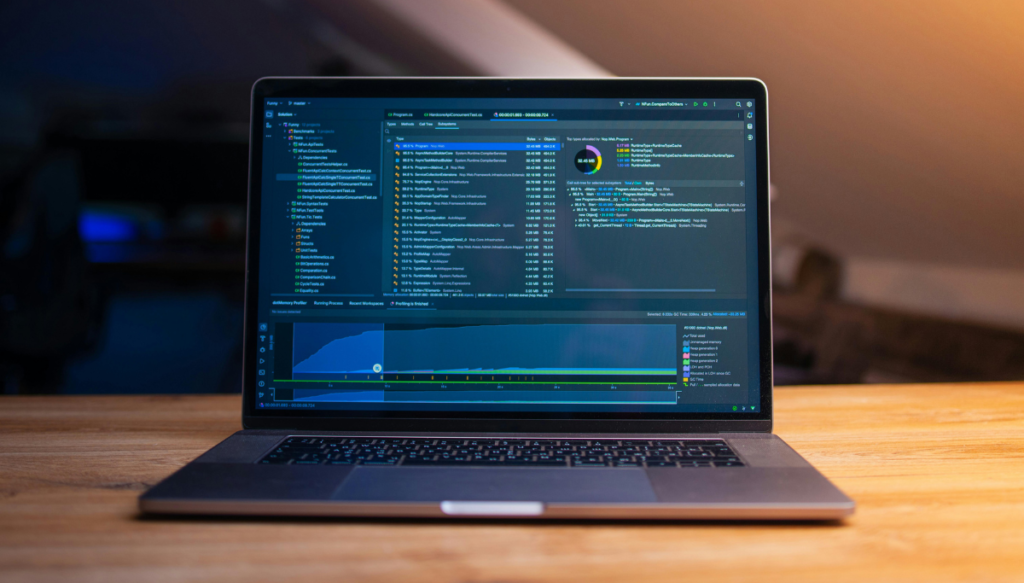
What Makes a Great Coding Laptop?
Before selecting a laptop, consider these essential factors:
Processor Performance
A modern Intel Core i5/i7 or AMD Ryzen 5/7 processor ensures smooth coding, compiling, and multitasking.
Memory (RAM)
At least 16GB RAM is recommended for programming, especially when using IDEs, virtual machines, Docker containers, and multiple browser tabs.
Storage
Choose a laptop with a fast SSD. A minimum of a 512GB SSD provides ample space for projects and applications.
Battery Life
Developers often work remotely. A battery lasting 8–12 hours can significantly improve productivity.
Weight and Portability
A lightweight laptop should ideally weigh under 3.5 pounds (1.6 kg) for easy travel.
Display Quality
A Full HD or higher-resolution display reduces eye strain and improves code readability.
Best Lightweight Laptops for Coding Under $1000
1. Apple MacBook Air M3
Why Developers Love It
The MacBook Air M3 delivers exceptional performance while maintaining an ultra-thin design. Its efficient Apple Silicon chip handles coding tasks, web development, and mobile app development effortlessly.
Key Features:
- Apple M3 Chip
- 13.6-inch Liquid Retina Display
- Up to 18 Hours Battery Life
- Fanless Silent Design
- Weight: 2.7 lbs (1.24 kg)
Best For: Web developers, iOS developers, and students.
Pros:
- Extremely lightweight
- Outstanding battery life
- Excellent build quality
- Fast performance
Cons:
- Limited upgrade options
- Fewer ports than some competitors
2. Best coding ASUS ZenBook 14 OLED Laptop
Premium Features at a Budget-Friendly Price
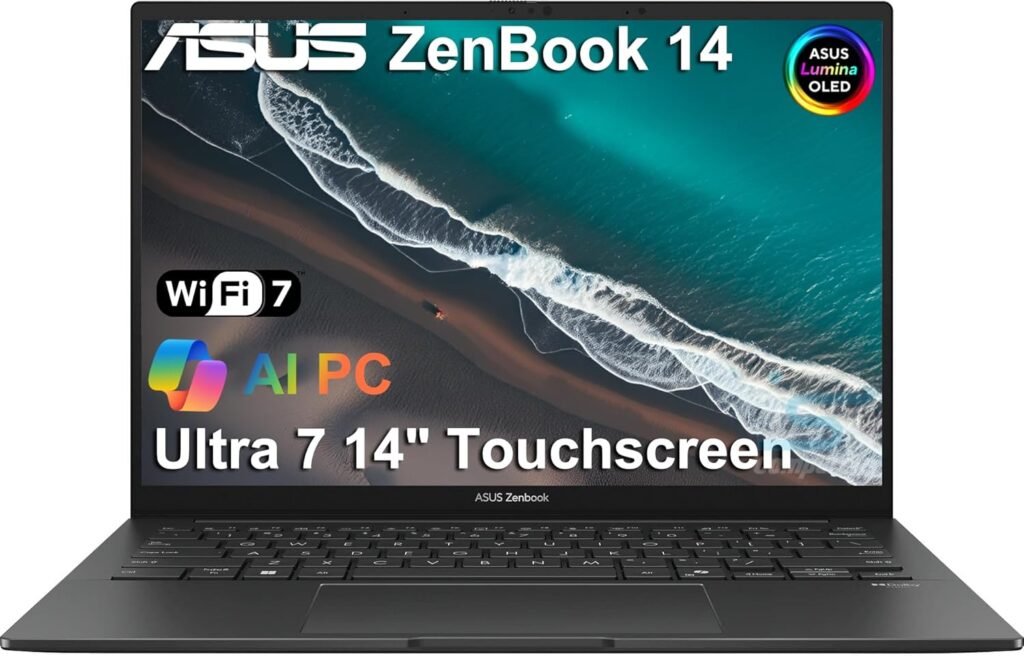
The ASUS ZenBook 14 OLED combines portability with a stunning OLED display, making it ideal for long coding sessions.
Key Features:
- AMD Ryzen 7 Processor
- 16GB RAM
- 512GB SSD
- 14-inch OLED Display
- Weight: 3.1 lbs (1.4 kg)
Pros:
- Gorgeous OLED screen
- Excellent multitasking performance
- Competitive pricing
- Portable design
Cons:
- Battery life could be better under heavy workloads
3. Acer Swift Go 14
Best Value for Programming Students
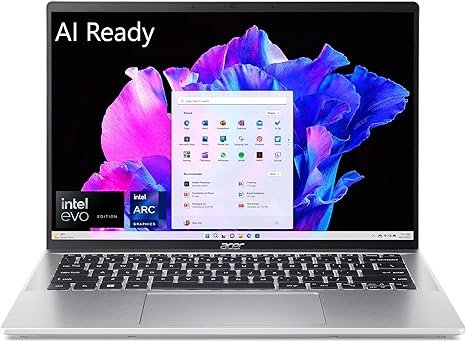
The Acer Swift Go 14 offers impressive specifications for its price, making it one of the best coding laptops under $1000.
Key Features:
- Intel Core Ultra Processor
- 16GB RAM
- 512GB SSD
- Lightweight Aluminum Chassis
- Weight: 2.8 lbs (1.27 kg)
Pros:
- Affordable pricing
- Fast SSD performance
- Lightweight build
- Good battery life
Cons:
- Speakers are average
4. Best Coding Lenovo IdeaPad Slim 5 Laptop
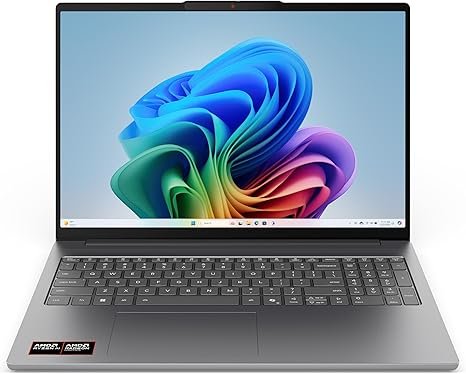
Reliable Everyday Coding Machine
Lenovo continues to offer excellent value with the IdeaPad Slim 5. It provides a comfortable keyboard and strong performance for coding workloads.
Key Features:
- AMD Ryzen 7 Processor
- 16GB RAM
- 512GB SSD
- Full HD Display
- Weight: 3.2 lbs (1.45 kg)
Pros:
- Comfortable keyboard
- Reliable performance
- Good battery life
- Excellent value
Cons:
- Display brightness could be improved
5. Best Coding HP Pavilion Aero 13 Laptop
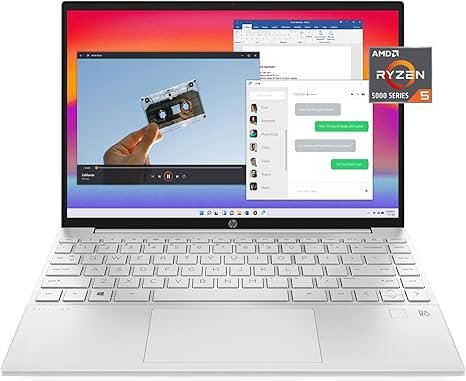
One of the Lightest Windows Laptops Available
If portability is your top priority, the HP Pavilion Aero 13 is hard to beat.
Key Features:
- AMD Ryzen 7 Processor
- 16GB RAM
- 512GB SSD
- 13.3-inch Display
- Weight: Only 2.2 lbs (1 kg)
Pros:
- Extremely lightweight
- Strong performance
- Great portability
- Competitive pricing
Cons:
- A smaller display may not suit everyone
Which Laptop Is Best for Different Types of Developers?
For Students
The Acer Swift Go 14 offers the best balance of price and performance.
For Web Developers
The MacBook Air M3 provides excellent browser performance and battery life.
For Software Engineers
The ASUS ZenBook 14 OLED delivers powerful multitasking capabilities.
For Frequent Travelers
The HP Pavilion Aero 13 is one of the lightest laptops available.
For Budget-Conscious Programmers
The Lenovo IdeaPad Slim 5 offers exceptional value.
Tips for Buying a Coding Laptop Under $1000
- Prioritize 16GB RAM over fancy design features.
- Choose an SSD instead of traditional storage.
- Look for a comfortable keyboard if you type for hours.
- Consider battery life if you work remotely.
- Invest in a laptop with a modern processor for long-term usability.
Final Verdict
The best lightweight laptop for coding under $1000 in 2026 depends on your specific needs. For overall performance and portability, the Apple MacBook Air M3 remains a top choice. Windows users looking for value should consider the ASUS ZenBook 14 OLED or Acer Swift Go 14, while travelers will appreciate the ultra-light HP Pavilion Aero 13.
No matter which option you choose, focusing on performance, battery life, portability, and memory will ensure a smooth coding experience for years to come.