- Introduction
- Top Keyboard Picks for Developers
- The Ducky One 2 SF: My Personal Favorite
- Keychron K2: The Best for Mac Users
- Testing Apple and Laptop Keyboards
- Budget and Random Finds
- Choosing the Right Keyboard Size
- Mechanical vs. Non-Mechanical
- Understanding Switch Colors
- Improving Your Professional Writing
- FAQs
- Conclusion
Introduction
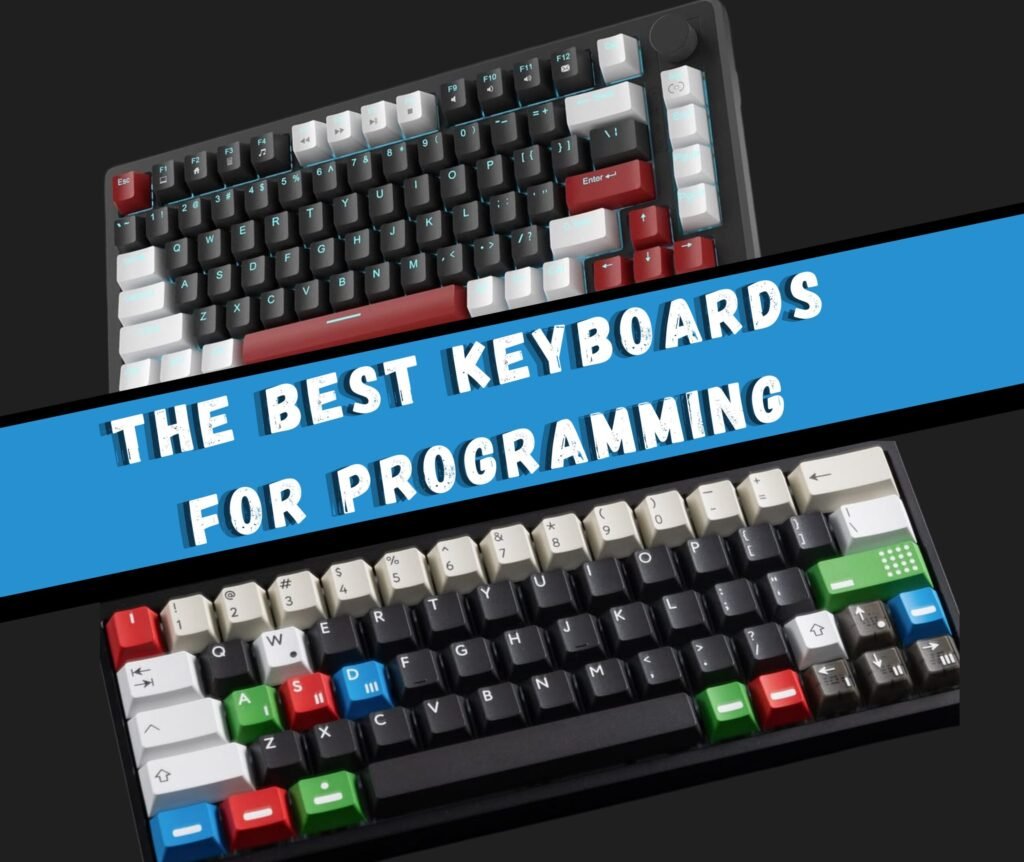
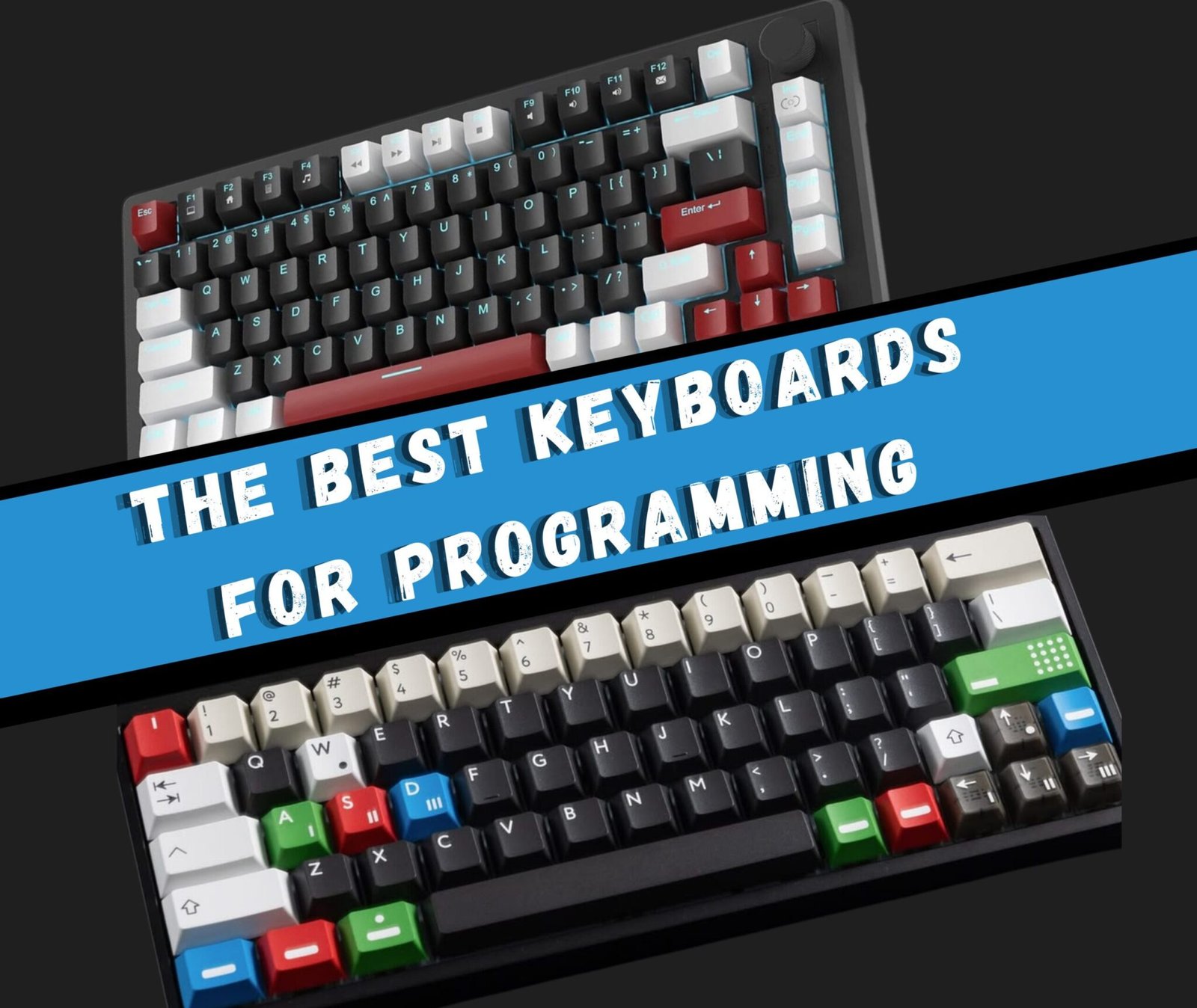
The Best Keyboards for Programmers in 2026: Choosing the right keyboard is a big deal for software developers. You spend all day typing code, so you need a tool that feels good and works well. In this guide, we test several popular keyboards. We look at mechanical switches, different sizes, and how they perform during a real typing test. Whether you want a loud clicky keyboard or a quiet one for the office, we have a recommendation for you.
Top Keyboard Picks for Developers
After testing many options, a few keyboards stood out from the rest. Here is a quick look at the top contenders:
| Keyboard | Switch Type | Best For |
|---|---|---|
| Ducky One 2 SF | Cherry MX Brown | Overall Favorite |
| Keychron K2 | Gateron Blue | Mac Users |
| Apple Magic Keyboard | Scissors | Quiet Typing |
| Mission Serious Gaming | Non-mechanical | Budget Option |
The Ducky One 2 SF: My Personal Favorite
The Ducky One 2 SF is the keyboard I use every single day. I previously used the Ducky One 2 Mini, but it was too small. The Mini lacks dedicated arrow keys, which are very helpful when you move through lines of code.
The SF version is a 65% keyboard. This means it is small and saves desk space, but it still has the arrow keys you need. I use Cherry MX Brown switches with this board. These switches provide a nice tactile bump without being too loud. It is the perfect middle ground for a professional workspace.
Keychron K2: The Best for Mac Users
The Keychron K2 is a great choice if you use a Mac. Most mechanical keyboards are built for Windows. They often have a Windows key instead of a Command key. The Keychron K2 comes with specific Mac keycaps and layouts.
This keyboard also has a dedicated row for function keys. If you use shortcuts like F5 or F12 often, this is a better choice than the Ducky. During the test, I noticed the keycaps felt a little smaller than usual. This might slow down your typing at first, but you can get used to it quickly.
Testing Apple and Laptop Keyboards
Many people think you must have a mechanical keyboard to be a good programmer. That is not true. I tested the Apple Magic Keyboard and was surprised by how much I liked it. It is very thin and quiet. I was able to type very fast on it.
I also tested a few laptops:
- MacBook Pro 2018: This model uses the “butterfly” switches. Most people do not like these because they have very little travel.
- Dell XPS 15 (2020): This is a newer laptop with a much better typing experience than the older MacBooks.
Budget and Random Finds
You do not have to spend a lot of money to get a decent keyboard. I tested the Mission Serious Gaming keyboard. It is a cheap, non-mechanical board. It looks like the keyboard from the show Mr. Robot.
Even though it was inexpensive, I typed very fast on it. If you want a full-sized keyboard that stays quiet, this is a solid choice. I also tried a Rapoo Wireless Ultra-slim keyboard. It costs about $20. It works fine, but it does not feel as premium as the Ducky or the Keychron.
Choosing the Right Keyboard Size
Keyboard size is measured by a percentage. A full keyboard is 100%. Most programmers do not need a full-sized board.
Skip the Numpad
Unless you enter data into spreadsheets all day, you do not need a number pad. Moving your hand all the way to the right to reach the mouse takes time. It feels like “context switching” for your body. Keeping your hands closer together is better for your posture and speed.
The 65% Sweet Spot
I recommend a 65% keyboard for most people. It gives you the main keys and the arrow keys. Arrow keys are vital for jumping around a text editor.
The 60% Option for Vim Users
If you use a text editor like Vim, you might like a 60% keyboard. Vim users use special keyboard shortcuts to move the cursor. They do not use arrow keys. A 60% board is very small and portable.
Mechanical vs. Non-Mechanical
The biggest choice you will make is between mechanical and non-mechanical keys.
Mechanical keyboards use a separate switch under every key. They are usually loud and have a “tactile” feel. You can feel exactly when the key registers. This is great for accuracy.
Non-mechanical keyboards use a rubber dome or a scissor switch. They are much quieter. If you work in a crowded office, your coworkers might prefer that you use a quiet keyboard like the Apple Magic Keyboard.
Understanding Switch Colors
If you buy a mechanical keyboard, you have to pick a switch color. Here is a simple breakdown:
- Blue Switches: Very loud and clicky. They feel great, but will annoy anyone sitting near you.
- Brown Switches: These have a tactile bump but no loud click. They are a great compromise for office work.
- Red Switches: These are smooth and quiet. They are often used for gaming because they are easy to press quickly.
I recommend Cherry MX Browns for most programmers. They feel solid but won’t result in noise complaints from your neighbors.
Improving Your Professional Writing
If you are a software developer, typing is only half the job. You also have to write emails, reports, and messages to clients. I use Grammarly to help make my writing better. It is a digital writing assistant that fixes spelling and grammar.
FAQs
1. What is the best keyboard for programming in 2026?
The Ducky One 2 SF is one of the best keyboards for programming due to its compact 65% layout, reliable performance, and comfortable Cherry MX Brown switches.
2. Is the Keychron K2 good for developers?
Yes, the Keychron K2 is an excellent choice for developers, especially Mac users, as it offers Mac-specific keycaps, wireless connectivity, and a functional layout.
3. Are mechanical keyboards better for coding?
Mechanical keyboards are preferred for coding because they provide better tactile feedback, improved accuracy, and a more satisfying typing experience compared to non-mechanical keyboards.
4. Can you use a non-mechanical keyboard for programming?
Yes, non-mechanical keyboards like the Apple Magic Keyboard are great for quiet environments and can still deliver fast and efficient typing performance.
Conclusion
Finding the perfect keyboard is a personal journey. You should try different switches and sizes to see what fits your hands. I love the Ducky One 2 SF because it is small but still has arrow keys. If you want something that works perfectly with a Mac, the Keychron K2 is your best bet.
Remember that you do not need a fancy keyboard to start programming. You can write amazing code on a cheap keyboard or a basic laptop. These tools just make the process more comfortable. If you want to pick up one of the keyboards I tested, check out the links in the video description.
What kind of keyboard do you use? Think about what you like and dislike about your current setup before you buy something new. Happy coding!