Introduction
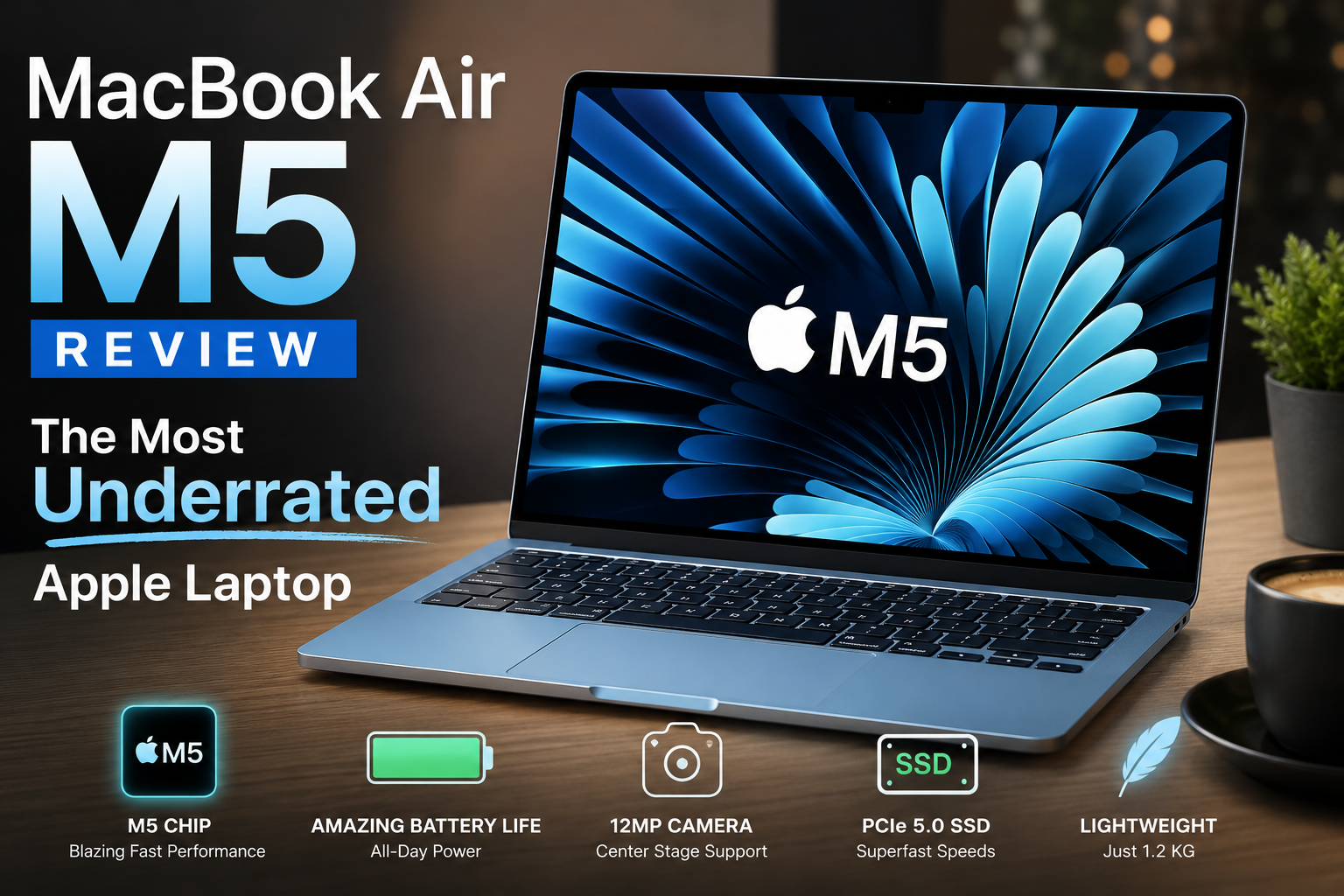
MacBook Air M5 Review: The Most Underrated Apple Laptop. The MacBook Air M5 is getting far less attention than it deserves. Right now, most people are focused on the newer, colorful MacBook Neo lineup. The “pop” design and bold shades are trending everywhere, and because of that hype, the M5 Air is being pushed into the background. That’s a mistake.
The MacBook Air M5 is not just another incremental update. It brings meaningful performance improvements, faster storage, better efficiency, and a more future-ready configuration that makes it one of the strongest lightweight laptops in Apple’s lineup.
Having used multiple generations of Macs over the years—from Intel MacBook Pros to the M2 Air and even higher-end Apple Silicon systems—the M5 Air clearly stands out as a refined balance of power and portability.
Design and Build Quality
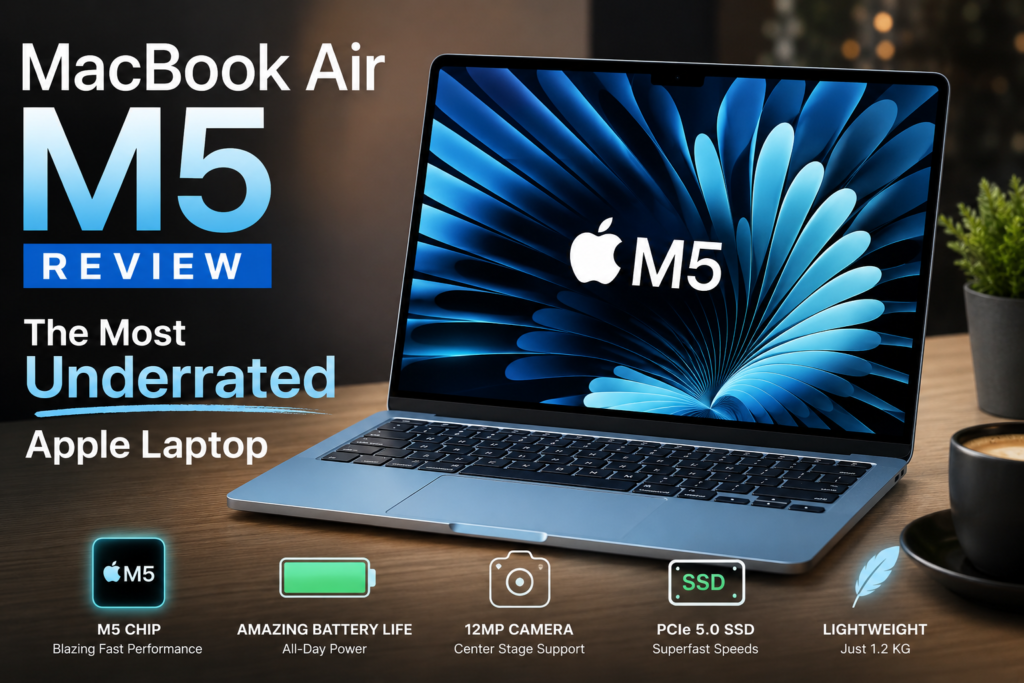
The MacBook Air M5 continues Apple’s clean, minimalist design language. It keeps the flat-edged aluminum body introduced in earlier generations, giving it a more professional look compared to the softer, rounded MacBook Neo style.
At just around 1.2 kg in weight and extremely thin, it remains one of the most portable premium laptops available today. It easily fits into a backpack without adding strain, making it ideal for students, freelancers, and professionals who travel frequently.
The build quality feels solid throughout. The hinge is firm, the keyboard deck does not flex, and the overall chassis feels like a single block of precision-machined aluminum. It is built for long-term daily use.
Color options like Silver or Sky Blue are also more practical since they hide wear better over time compared to darker finishes.
Ports, Display, and User Experience
Port selection remains minimal but functional. The MacBook Air M5 includes two Thunderbolt ports, a MagSafe charging connector, and a headphone jack. While this may feel limited for some users, Thunderbolt 4 support ensures extremely fast external storage and display connectivity.
The MagSafe port is especially useful because it frees up both Thunderbolt ports for accessories while charging.
The 13-inch Liquid Retina display remains one of the best in its class. With sharp resolution, accurate P3 color support, and high brightness levels, it is excellent for productivity, media consumption, and light creative work. Text appears crisp, and images look natural and balanced.
However, it still uses a 60Hz refresh rate. Users coming from high-refresh displays may notice the difference in smoothness.
One important long-term consideration is screen care. The anti-reflective coating can wear over time, and keyboard marks may appear on the display. A thin protective film is a safer option than thick tempered glass, which can put pressure on the panel.
Keyboard, Trackpad, and Daily Use
Apple continues to lead in input experience. The keyboard on the MacBook Air M5 offers comfortable key travel and consistent feedback, making long typing sessions easy on the fingers.
The Force Touch trackpad remains one of the best in the industry. Instead of a physical click, it uses haptic feedback to simulate a natural press. This makes gestures, scrolling, and precision work extremely smooth and accurate.
Webcam and Audio Performance
One of the biggest upgrades is the 12MP webcam with Center Stage support. The camera intelligently tracks movement, keeping the user centered during video calls. It also adjusts framing automatically when multiple people enter the shot.
Features like Desk View allow users to show both their face and workspace simultaneously, which is useful for presentations or online teaching.
Audio recording quality from the built-in microphones is surprisingly strong and can even compete with some external setups in casual environments.
However, speaker performance is less impressive. While clear enough for meetings and media playback, they do not feel as rich or loud as previous generations in this price range.
M5 Chip Performance in Real Use
The MacBook Air M5 is powered by Apple’s 3nm M5 chip, designed for both performance and efficiency. The biggest improvement in the base model is the jump to 16GB of RAM, which significantly improves multitasking performance.
Day-to-day tasks like browsing, document editing, and working with multiple apps feel smooth and responsive. Even with heavy browser usage and dozens of tabs open, the system remains stable.
Benchmark performance is strong, with excellent single-core speeds and very fast SSD performance thanks to PCIe 5.0 storage. Application launch times are nearly instant, and file transfers are extremely fast.
However, there is one limitation: thermal throttling. Since the MacBook Air has no fan, performance can drop during sustained heavy workloads. For short bursts of work, it performs exceptionally well, but long rendering or heavy editing sessions can reduce speed compared to fan-cooled systems.
Real-World Performance Breakdown
- Short-form content editing (Reels, TikTok): Excellent
- 4K multi-stream editing: Usable but may show occasional lag
- Long rendering or heavy 3D work: Not ideal
This makes it best suited for general productivity, light to moderate creative work, and everyday professional use.
Configuration Advice and Battery Life
One of the most important buying decisions is configuration. The small price difference between GPU and RAM variants makes a huge impact on long-term performance. Choosing the higher GPU and more RAM option is strongly recommended for future-proofing.
Compared to previous generations, the MacBook Air M5 also benefits from faster storage and improved efficiency, making it more capable for long-term use.
Battery life remains one of its strongest advantages. For light tasks, it can last close to a full work week. Under heavier workloads, it still comfortably lasts a full day or more. Fast charging support also makes it practical for daily use.
Final Verdict
The MacBook Air M5 is one of the most balanced ultrabooks Apple has released. It combines portability, strong performance, and excellent battery life in a lightweight design.
Pros
- Extremely fast PCIe 5.0 SSD
- Excellent 12MP webcam with smart features
- Lightweight, premium aluminum build
- Strong battery life and efficiency
Cons
- 60Hz display limits smoothness
- No active cooling for sustained workloads
- Speakers could be better
Conclusion
For students, office users, writers, and light creators, the MacBook Air M5 is one of the best laptops available today. It is fast, portable, and highly efficient.
However, for professionals working in heavy video editing, 3D rendering, or long, intensive workloads, a MacBook Pro or fan-cooled system will be a better choice.
For most users, though, the MacBook Air M5 quietly delivers everything that matters without unnecessary complexity.